
A clear variation evidence pack shows what changed, what the work cost and why the price is due. Start while the site records are fresh.
Build the pack as soon as the change takes place. Do not wait until month end.
1. Use One Change Number
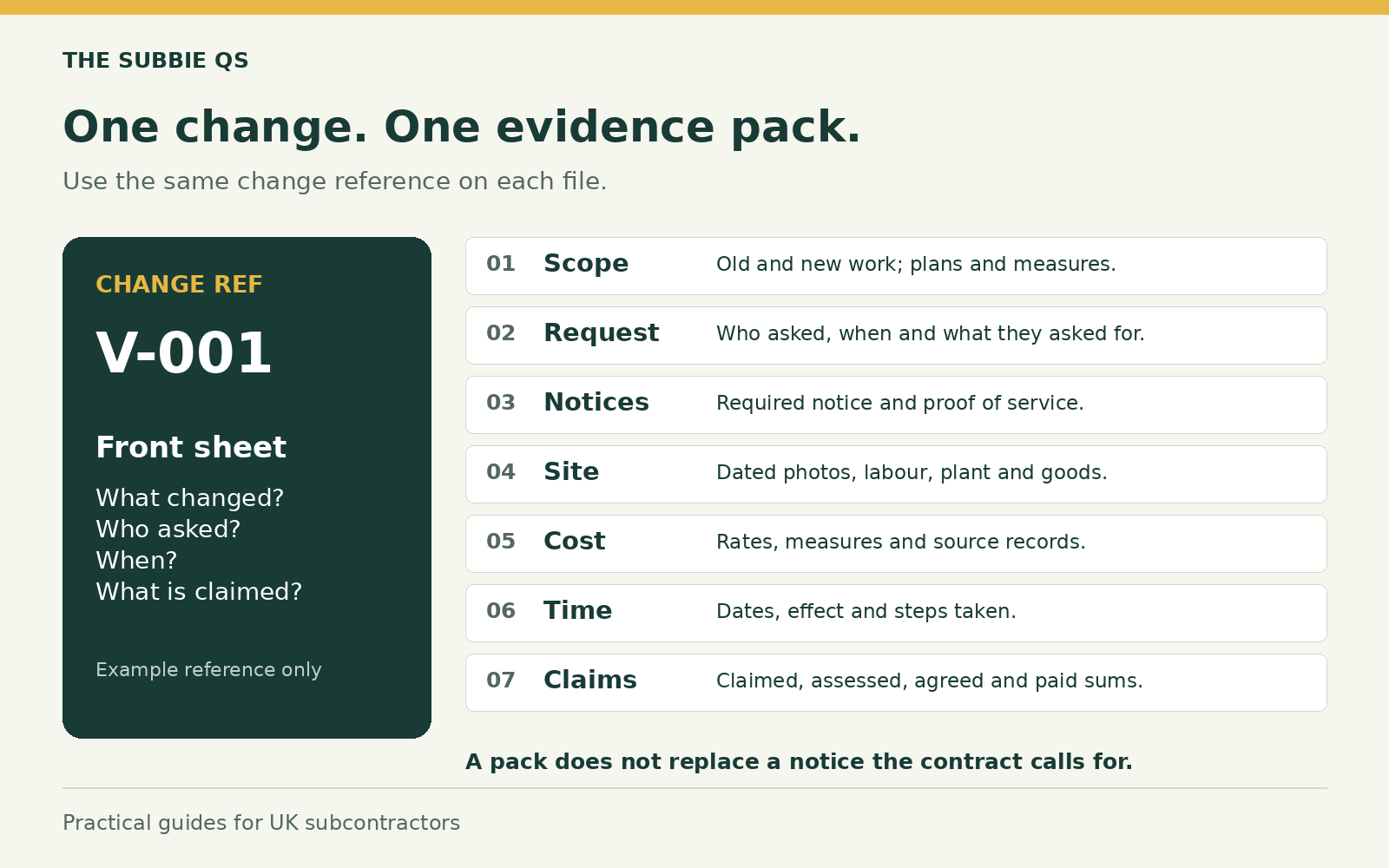
All your files need the same number. Add it to the change log, plans, photos, quotes and notices. Note who asked, the date and what changed.
If the request was spoken, write a dated note. Seek written proof through the agreed route. A spoken request may not meet the terms.
2. Keep Old And New Scope
Save the parts of the contract, scope, rates and plans that apply. Show the work added, taken out or changed. Mark up the measures.
Do not send the whole contract in a pile of pages with no notes.
The work has changed. Which records will prove the extra scope before the site moves on?
3. Check The Notice Rules
Read the signed subcontract. Check who must get the notice, what it must say, how to serve it and when it is due. Use the right address or portal. Keep proof it was served.
Your change log does not replace a required notice. A quote email may not meet the rules either.
4. Record The Work And Cost
Write down the date, hours, place and task. Keep time spent on waits or rework apart from normal work. Link plant use to each task and date.
Keep delivery notes, receipts, hire records, quotes, waste and returns. Use dated photos with a wide view and close detail.
A signed daywork sheet may prove hours. It may not prove your right to a sum or an agreed price. Check the terms and facts.
5. Keep Time Effects Apart
Keep the planned and real dates. Save proof of late design and the steps you took to cut delay. Show how the change affected the job.
Keep direct work cost apart from wider delay or lost output. A log on its own does not show either is due.
You have the old and new scope. Can the reader follow it through the notice, site records and price?
- Scope
Show added, omitted and changed work.
- Site and notices
Link instruction, service proof and actual work.
- Price
Apply the terms and trace each cost once.
The same change number should connect each part of the pack. The log still does not replace a required notice.
6. Show The Price Basis
Use the rate rules in your contract. Show the measures and how each rate was built from labour, plant and goods.
Add overheads and profit only where the terms allow. Credit work taken out. Count each cost once.
7. Make The Pack Easy To Check
Use short folder names: scope, request, notices, site, cost, time and claims. Add a front sheet and a list of sources. Keep old claims and old versions.
Show claimed, assessed, agreed and paid sums on their own. Link each change to the payment claim.
Check open items each week. Name who acts next and the due date. Get prompt legal advice on notice rights or dispute steps. A QS can help sort proof of scope and cost.
General guidance. Check your signed contract and the job facts. Get legal advice where needed.