
Your next lead may be on a phone between jobs. They need a clear route to the facts and a call.
Open your site on your own phone. Try the tasks a new lead would try.
Can They Read It?
Use clear text without pinching to zoom. Keep lines short and buttons easy to tap.
Show your trade and area near the top. Keep text outside images so it is clear on small screens.
The page opens on a phone. Can a lead read it and act with one hand?
Can They Reach You?
Tap the call button. Check the number it opens. Test the contact form and confirm the email reaches your inbox.
Ask only what you need: name, contact, job site and brief. Keep form labels clear and show what happens after sending.
The buttons look right. Does the enquiry actually reach you?
- Read
Find the trade, area and scope without zooming.
- Tap
Check the menu, call button and links.
- Send
Confirm the form reaches the right inbox.
Test the complete call and form route, including the inbox receiving the message.
Does It Work When The Signal Is Poor?
Keep photo file sizes small. Avoid large files that make the page drag. Check the menu, back button and page links.
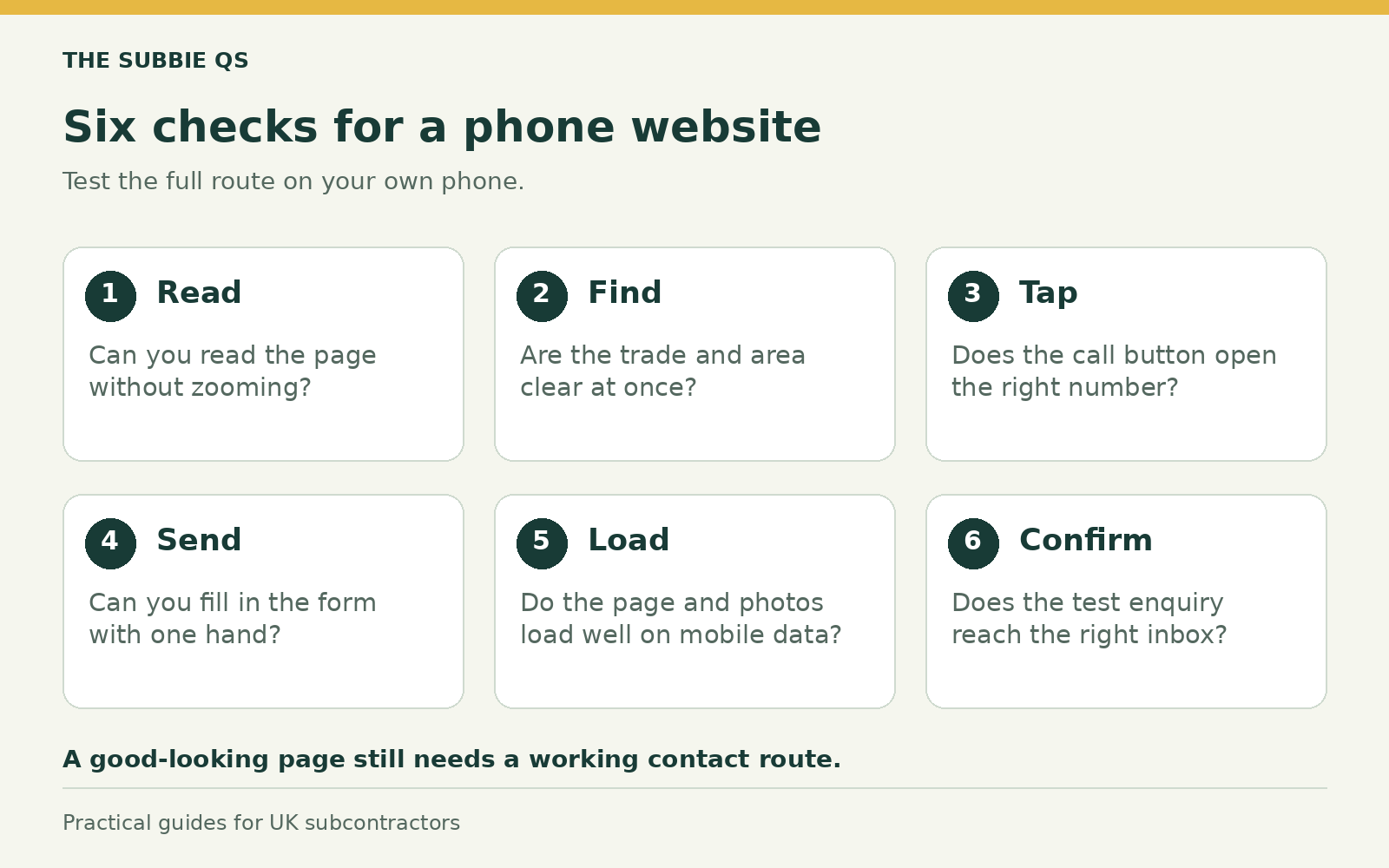
Use the six checks shown here when you test the site. Try the whole route on your own phone.
Ask a friend who has not seen the site to find where you work and how to reach you. Watch where they get stuck. Fix those points before adding more features.